


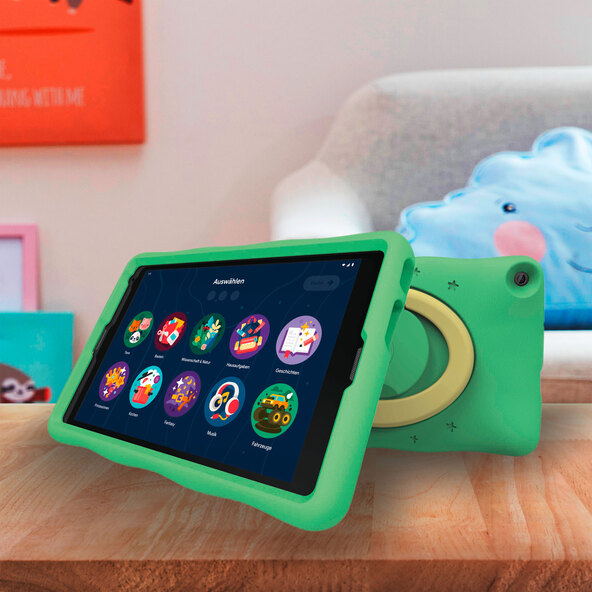
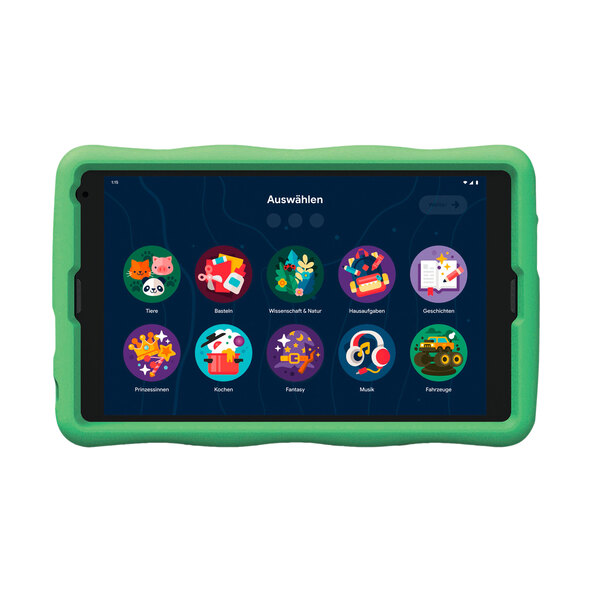
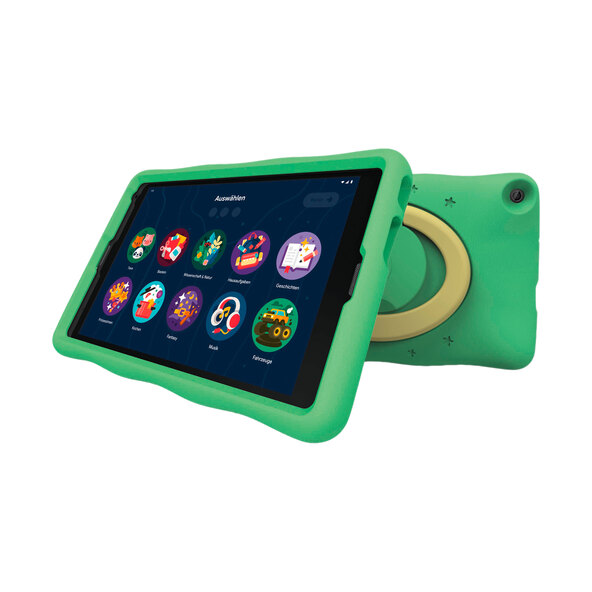

10-inch display for a big overview
Your child will now learn with even more motivation thanks to the special kids' tablet with Google Kids Space2, Android™ 10 and expandable3 storage.
- Brilliant display with the 25.7 cm (10.1") IPS display with HD resolution
- Modern kids' tablet with Android™ 10 operating system
- Plenty of space for apps, pictures and videos thanks to 32 GB of internal storage1
- Take your own photos with a 2 MP camera on both the front and back
- Reliably connected with Wi-Fi and Bluetooth®
Learning with Joy
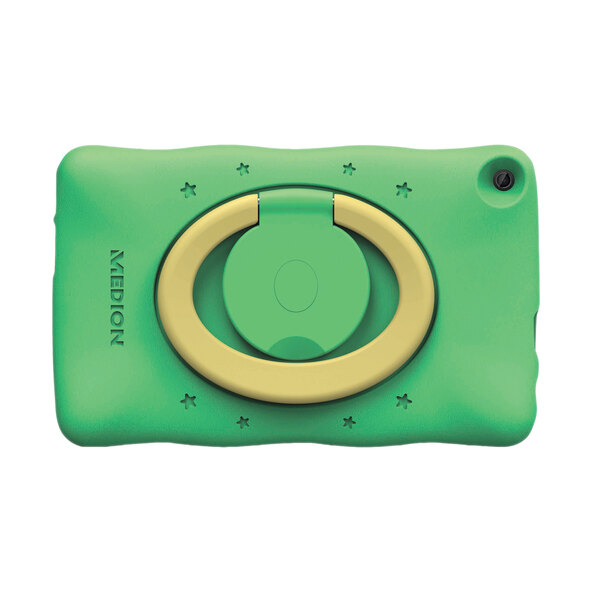
With the kids' tablet, parents now have even more control over their children's learning progress and media consumption. Google Kids Space2 is pre-installed on the device. This allows you to control your children's internet access via an app on your phone and gives them access to learning apps and games without them having to access an app store themselves. Thanks to the child-friendly case, the kids' tablet also looks great and can be set up securely.
Kids' Tablet with Great Hardware
The device offers a range of features for your child. The 25.7 cm (10.1") display and two cameras ensure multimedia fun. With the Wi-Fi connection, your children have secure access to apps and games. The 32 GB of storage is large enough for your favorite pictures and can be expanded with a microSD card, for example. Secure access to learning and play for your child: with powerful hardware, modern software, pre-installed child-friendly apps, and a protective case with a stand function. Actual available storage capacity is less than the stated capacity due to the pre-installed operating system and applications. Kids Space requires a Google account. Parental controls require the Family Link app on a supported Android or iOS device, or a Chromebook. Books and video content are not available in all regions. Video content depends on the availability of the YouTube Kids app. Books require the Play Books app. The availability of apps, books and video content is subject to change without notice. Google Assistant is not available in Kids Space. 3 Expandable storage, memory card not included. Google, Android, and Google Play are trademarks of Google LLC. The Bluetooth® word mark and logos are registered trademarks owned by Bluetooth SIG, Inc. and any use of such marks by Lenovo/MEDION® is under license. Other trademarks and trade names are those of their respective owners. Features: 10.1" HD display (1280 x 800 pixels) with IPS technology; MediaTek MT8167 quad-core processor (up to 1.3 GHz); Android™ 10; 32 GB internal storage Storage1
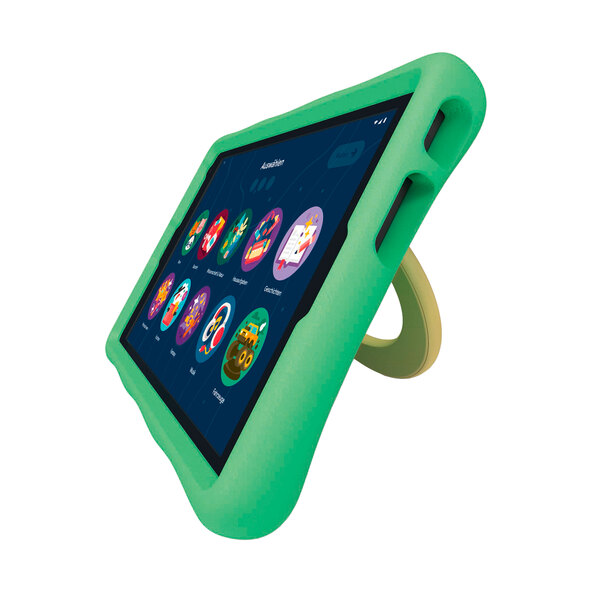
Tablet protective case with Stand function:
- Secure protection against impacts
- Various stand options thanks to the integrated stand
- Comfortable carrying function
Connections:
- USB 2.0 Type C
- microSD/microSDHC/microSDXC memory card reader
- 3.5 mm headphone jack
Dimensions/Weight:
- Tablet, W x H x D: approx. 25.9 x 15.6 x 0.95 cm
- Approx. 570 g
- Protective case, W x H x D: approx. 28.2 x 17.6 cm
- Approx. 217 g
Package Contents:
- MEDION® LIFETAB® E10440 (MD60518)
- USB Type C Cable
- Power Adapter
- Protective Case with Stand Function
- Warranty Card
- User Manual
1 The actual available storage capacity is less than the stated storage capacity due to the pre-installed operating system and applications.
2Your child needs a Google account for Kids Space. Parental controls require the Family Link app on a supported Android or iOS device or Chromebook. Books and video content are not available in all regions. For video content, this depends on the availability of the YouTube Kids app. For books, the Play Books app is required. Availability of apps, books, and video content is subject to change without notice. Google Assistant is not available in Kids Space. Storage expandable, memory card not included. Google, Android, and Google Play are trademarks of Google LLC. The Bluetooth® word mark and logos are registered trademarks owned by Bluetooth SIG, Inc. and are used by Lenovo/MEDION® under license. Other trademarks and trade names are property of their respective owners. User Manual Quick Start Guide
Comment