


Reliable robot for housework
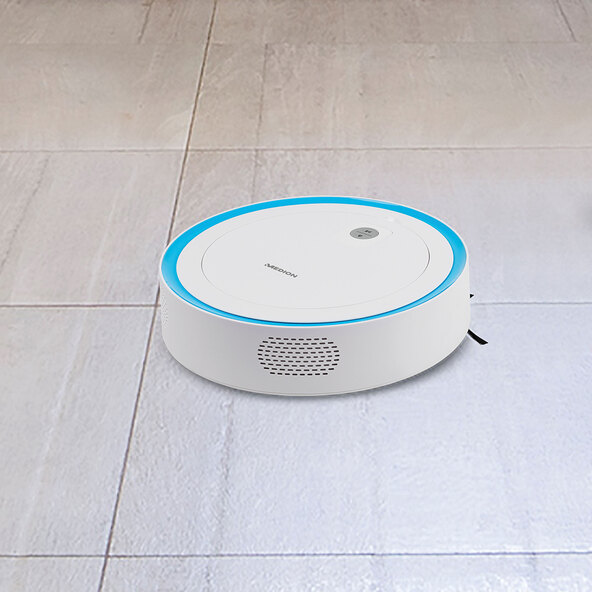
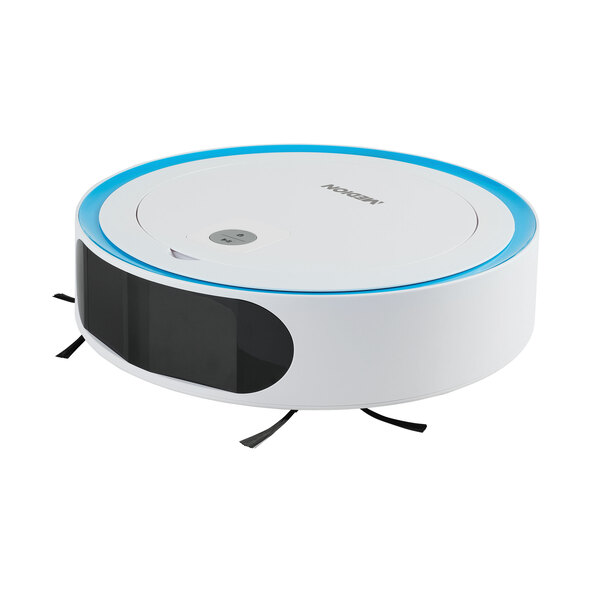
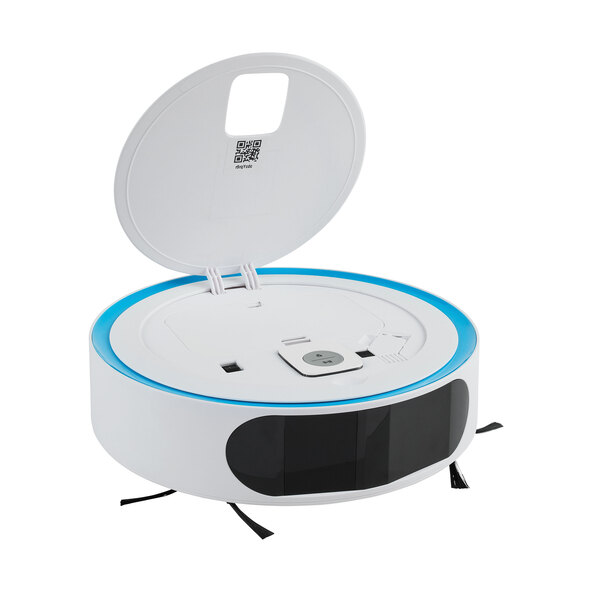
The device from MEDION takes care of cleaning short carpets, tiles and various other hard floors for you. You can conveniently control the robot vacuum directly on the device, via your smartphone, or using Alexa voice control.1, 2 Leave the vacuuming to your reliable robot vacuum and look forward to efficient cleaning of your home without much effort.
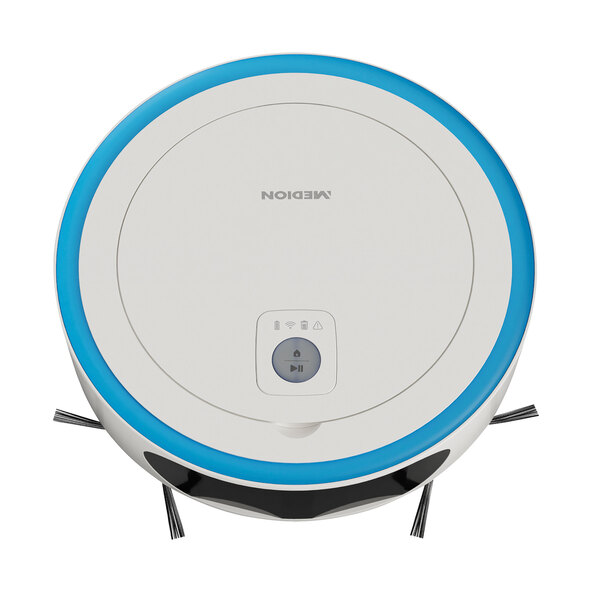
- Every room is thoroughly cleaned: Two side brushes and one main brush
- Ideal for various hard floors
- Settingson the device orin the app
- Long runtime thanks to a powerful lithium-ion battery
- Virtual map, no-go areas & cleaning calendar programmable
Smart control via app & Alexa voice control
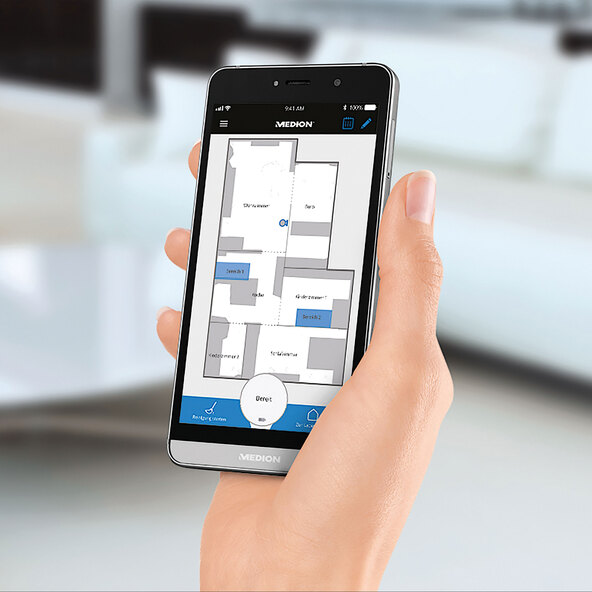
Give your robot vacuum instructions even when you're away from home. With two side brushes and a main brush, this agile household helper cleans your home with exceptional power. Adjust the suction level and choose a higher setting for heavy soiling, such as in the kitchen. At home, you can control the MEDION MD 18861 not only via the app, but also with simple voice commands using your Alexa or traditionally via the controls directly on the device. For automated cleaning, you can schedule cleaning times in the calendar via the app. This way, the robot will be active even when you're not home. Up to 120 minutes of operating time: Thanks to its powerful lithium-ion battery, the robot vacuum cleaner achieves an operating time of up to 120 minutes. The highly efficient dust filter is ideal for allergy sufferers, and thanks to the exclusion and prioritization functions, you can precisely define where the robot cleans your hard floors. Once finished, the robot returns to its charging station and, if necessary, resumes cleaning. The bagless dustbin makes emptying particularly easy. A practical helper in everyday life: Control your new robot vacuum conveniently and easily and enjoy clean floors. System requirements: Internet access, 2.4 GHz Wi-Fi router, 802.11 b/g/n standard, Amazon account, smartphone or tablet with Amazon Alexa and the MEDION app. Please note that certain Alexa voice commands are reserved for Amazon devices. To use all the robot vacuum's functions, an internet connection, Wi-Fi, and a tablet or smartphone for controlling the robot vacuum are required. If these conditions are not met, the robot can be started using a button on the device (Start button) or sent back to the charging station (Home button).
Features:
- The robot vacuum is conveniently controlled via smartphone or Alexa1, 2
- Scans and saves the environment using intelligent laser sensors
- Creates a digital map
- Creates multiple maps (e.g., floors)
- Exclusion or prioritization of individual areas or rooms
- Variable suction power (e.g., stronger suction power in the kitchen)
- Calendar for cleaning times
- Automatic and thorough cleaning thanks to the main brush and two side brushes
- Suitable for various hard floors
- Minimal distance to the wall during cleaning
- Highly efficient dust filter – ideal for Allergy-friendly
- Li-ion battery (14.4 V)
- Operating time up to 120 min.
- Charging time: approx. 3 hrs.
- Dust container volume: approx. 0.6 L, easily removable
- Dust, hair and pollen end up in the bagless dust container
- Various sensors ensure optimal cleaning paths (drop sensors, soft-touch impact sensors, laser scanning)
- Automatic return to the charging station and, if necessary, completion of the cleaning3
Dimensions/Weight:
- Ø x H: approx. 34.6 x 9 cm
- Approx. 3.5 kg
Scope of delivery:
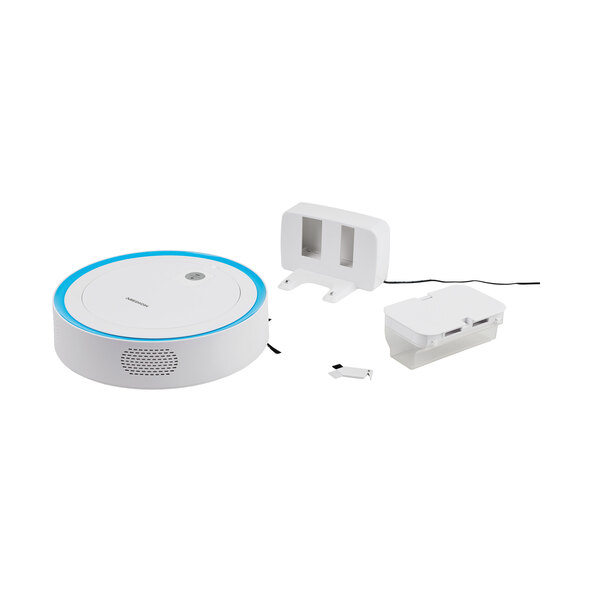
- MEDION® MD 18861 robotic vacuum cleaner with laser navigation
- Integrated Li-ion battery pack
- Charging station and power adapter
- 1 dust container and 1 dust filter
- 2 side brushes and 1 main brush
- Cleaning tool
- Documentation
1 System requirements: Internet access, 2.4 GHz Wi-Fi router, standard 802.11 b/g/n, Amazon account, smartphone or tablet with Amazon Alexa and the MEDION app. Please note that certain Alexa voice commands are reserved for Amazon devices. 2. To use all the functions of the robot vacuum, you need an internet connection, Wi-Fi, and a tablet or smartphone to control the robot vacuum. If these requirements are not met, the robot can be started using a button on the device (Start button) or sent back to its charging station (Home button). 3. Once the robot vacuum is recharged, it will resume cleaning from where it left off, ensuring that nothing is missed and the room is completely cleaned.
Comment